
Hover
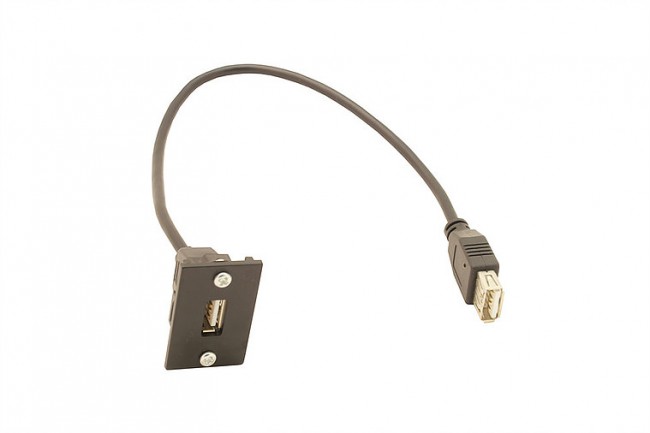
300mm USB launch lead (female to female connector)
300mm USB launch lead (female to female connector)
£10.00
Description
300 mm USB Launch Lead (Female → Female Connector)
A compact, ready-to-install USB launch lead designed for furniture-mounted modules, floor boxes or under-desk installations — female to female and fixed at 300 mm for tidy, professional cable routing.
Description
The 300 mm USB Launch Lead offers a simple and effective solution for adding a USB port to your workstation, desk module, floor box or AV/data furniture. The female-to-female configuration allows this lead to be mounted into a panel or fascia, with a user-facing female USB socket and a rear female socket ready for connection into the cable path. At 300 mm in length, the lead ensures minimal slack and a neat installation.
Key Features
-
Female USB connector to female USB connector — ready for flush mounting and quick connection of standard USB cables.
-
Fixed length of 300 mm — ideal for tidy installation beneath desks or within furniture modules.
-
Pre-terminated launch lead reduces on-site termination work and ensures consistent performance.
-
Designed for furniture, floor box or module mounting where a discreet USB outlet is required.
-
High-quality build and methodology enabling professional installations in office, AV or education environments.
Ideal Use-Case
This USB launch lead is perfect when you want to provide an easily accessible USB port in a workstation or meeting module without having to run long cables or perform field terminations. The fixed short length simplifies cable management and maintains the clean aesthetics of modern furniture-mounted or floor-mounted installations.
Installation Tips
-
Fit the front female end flush into the furniture module, floor box or panel cut-out.
-
Route the 300 mm lead inside the void behind the mounting point, avoiding sharp bends.
-
Connect the rear female socket to your USB cable or hub feed, then label the outlet (e.g., “USB”) for users.
-
Test the USB connection with a device to ensure the port is functioning correctly after installation.
Specification Snapshot
Additional Information
| Additional product information | No |
|---|---|
| Configuration | No |
| Configuration | No |
Related products
-
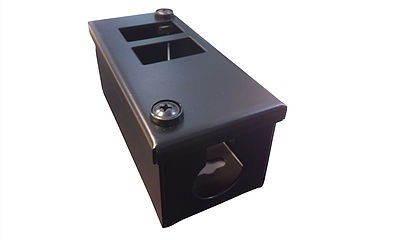
PF BOX 0/2H
£6.00 Add to basket -
Black Cat6 IDC module
£3.00 Add to basket -
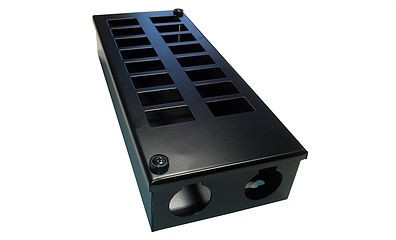
PF Box 0/16
£27.00 Add to basket -
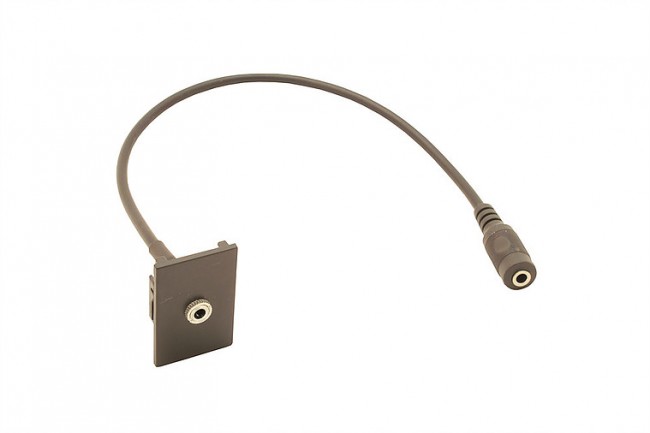
300mm 3.5mm jack launch lead (female to female connector)
£10.00 Add to basket -
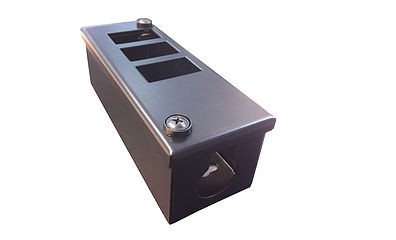
PF BOX 0/4H
£7.00 Add to basket -
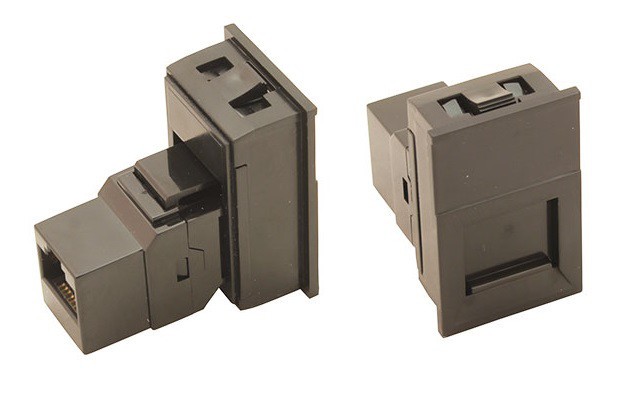
Black 6C shuttered fascia, with Cat 6 coupler
£6.50 Add to basket -
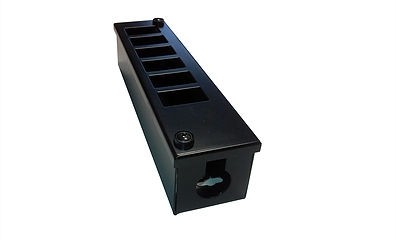
PF BOX 0/6H
£8.50 Add to basket -
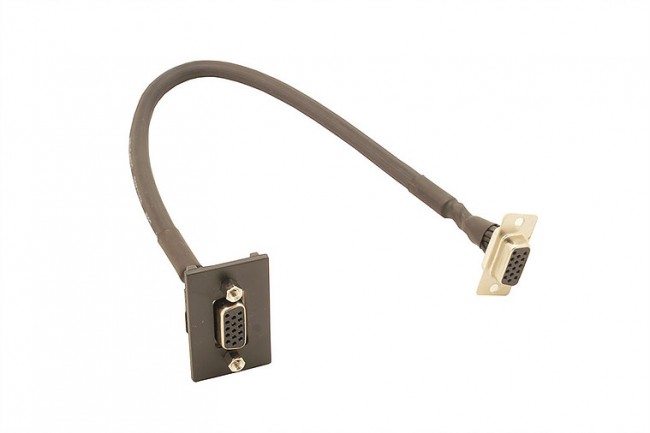
300mm VGA launch lead (female to female connector)
£10.00 Add to basket -
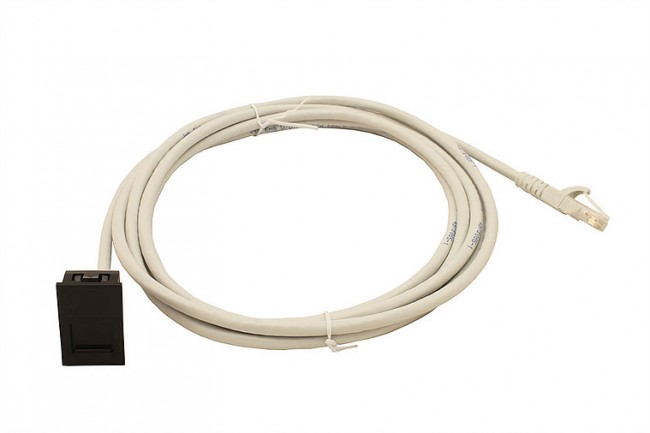
5-metre Cat 6 assembly fitted into unit with flush black facia
£10.00 Add to basket -
PF BOX 0/3H
£6.50 Add to basket -
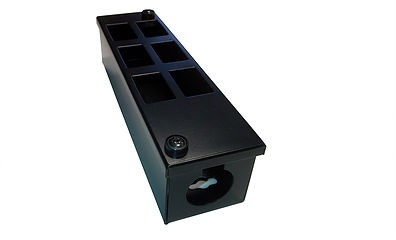
PF BOX 0/6V
£8.50 Add to basket -
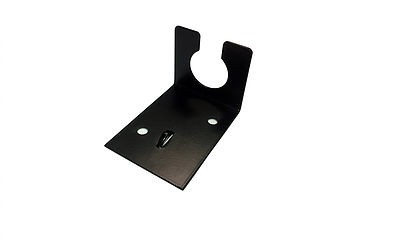
Anchor Bracket (25mm or 32mm)
£1.75 Add to basket