
- Please specify the product required option(s).
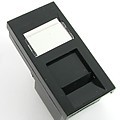
Hover
Black Cat6 IDC module
Black Cat6 IDC module
£3.00
Description
Black Cat6 IDC Module
Streamline your workstation or data-box installation with this factory-ready Cat6 module, finished in a sleek black fascia for a professional look and fast deployment.
Description
The Black Cat6 IDC Module is a pre-terminated Category 6 data outlet module designed to fit into standard 6C cut-outs or data socket units. With an IDC (insulation-displacement contact) termination system, it allows rapid connection of Cat6 cables without the need for punching down individual conductors, reducing install time and risk of errors. The black face-plate offers a premium finish — ideal for visible furniture mountings, desk power/data modules or floor termination points.
The product listing identifies the price at £2.60 and SKU DRD-6C/6C.
Key Features
-
Category 6 (Cat6) data module suitable for high-performance network cabling.
-
IDC termination: quick, reliable connection of cable conductors — no manual punch-down required.
-
Black fascia design: enhances aesthetics for desk-mounted units, furniture, or visible data outlets.
-
Fits standard 6C module cut-outs and data socket frames — integrates with your existing furniture/power/data systems.
-
Pre-wired module means fewer components on-site and simplified inventory for installers.
Ideal Use-Case
Perfect for modern office environments, hot-desking areas, meeting rooms or AV installations where the data outlet is visible and finish matters. Also ideal for under-desk or floor-box data feeds where you want a clean finish and fast installation turnaround.
Installation Tips
-
Insert module into the appropriate 6C cut-out in your unit, floor-box or furniture-mounted data plate.
-
Connect your Cat6 cable into the IDC termination points and apply the recommended tool to ensure full contact.
-
Ensure module face-plate is flush with surround frame and securely locked in place.
-
Label the outlet if required using the labelling zone or adjacent tag-holder to aid future maintenance.
-
Always verify network connectivity and performance after installation.
S
Additional Information
| Additional product information | No |
|---|---|
| Configuration | No |
| Configuration | No |
Related products
-
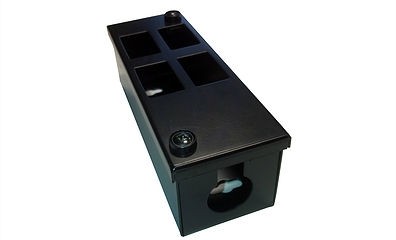
PF Box 0/4V
£7.00 Add to basket -
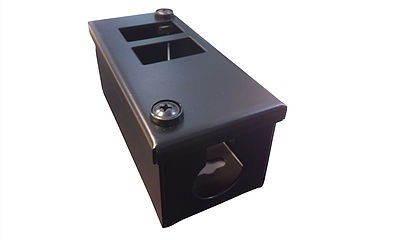
PF BOX 0/2H
£6.00 Add to basket -
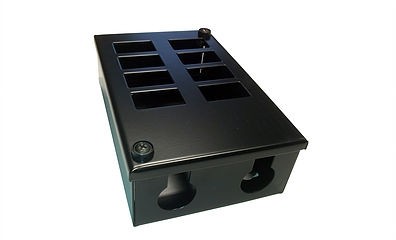
PF Box 0/8
£17.00 Add to basket -
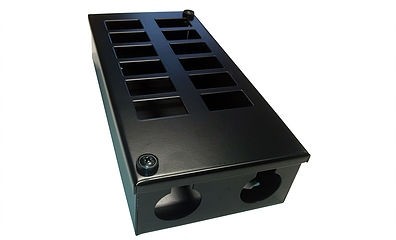
PF Box 0/12
£24.00 Add to basket -
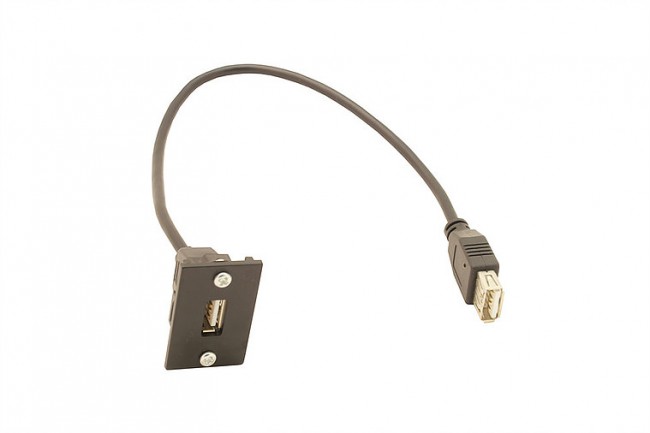
300mm USB launch lead (female to female connector)
£10.00 Add to basket -
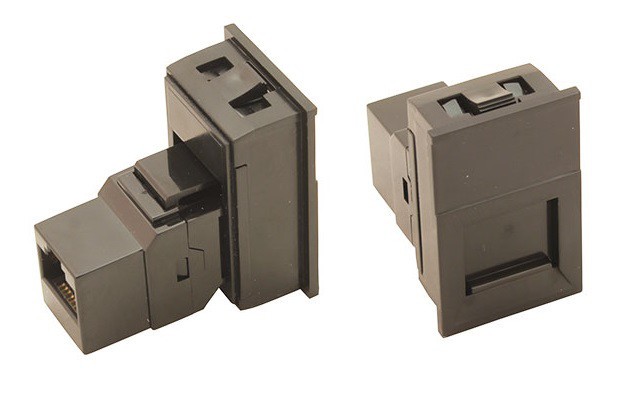
Black 6C shuttered fascia, with Cat 6 coupler
£6.50 Add to basket -
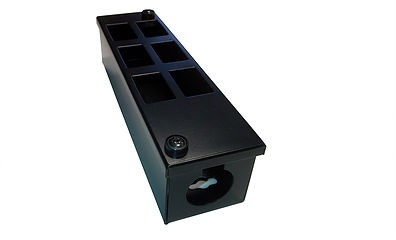
PF BOX 0/6V
£8.50 Add to basket -
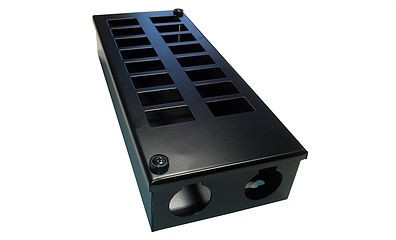
PF Box 0/16
£27.00 Add to basket -
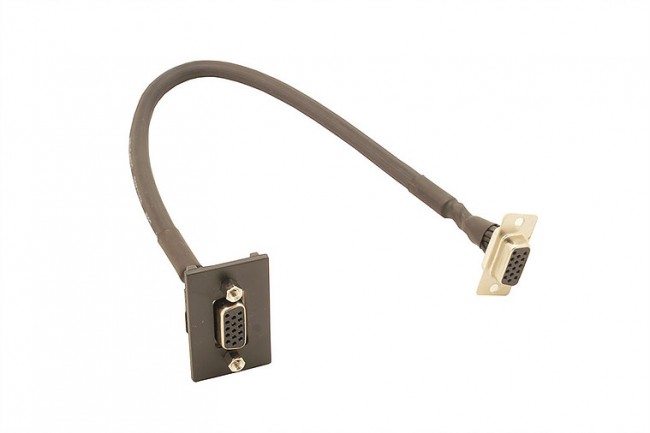
300mm VGA launch lead (female to female connector)
£10.00 Add to basket -
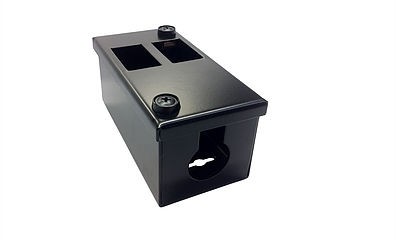
PF Box 0/2V
£6.00 Add to basket -
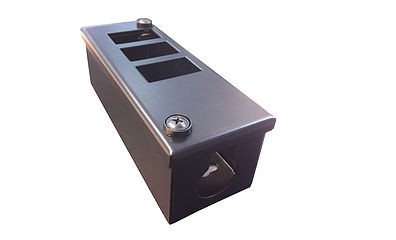
PF BOX 0/4H
£7.00 Add to basket -
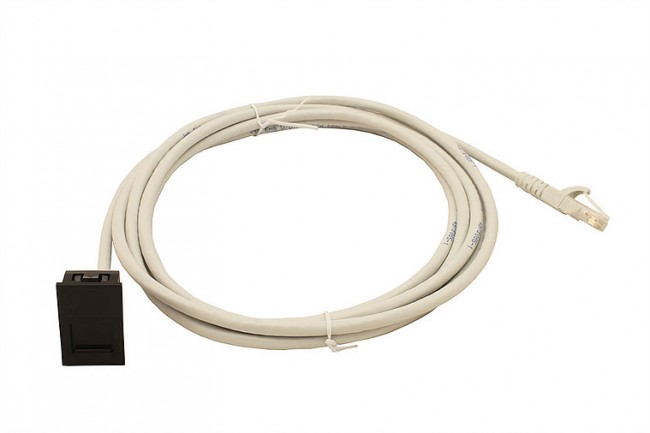
5-metre Cat 6 assembly fitted into unit with flush black facia
£10.00 Add to basket